
A short (personal) introduction to smart homes
Are you renovating a house or starting on a new build? Smart homes are likely one of the thousand decisions you have to look into. These are my experiences and tips after fully restoring a 40 year old house.
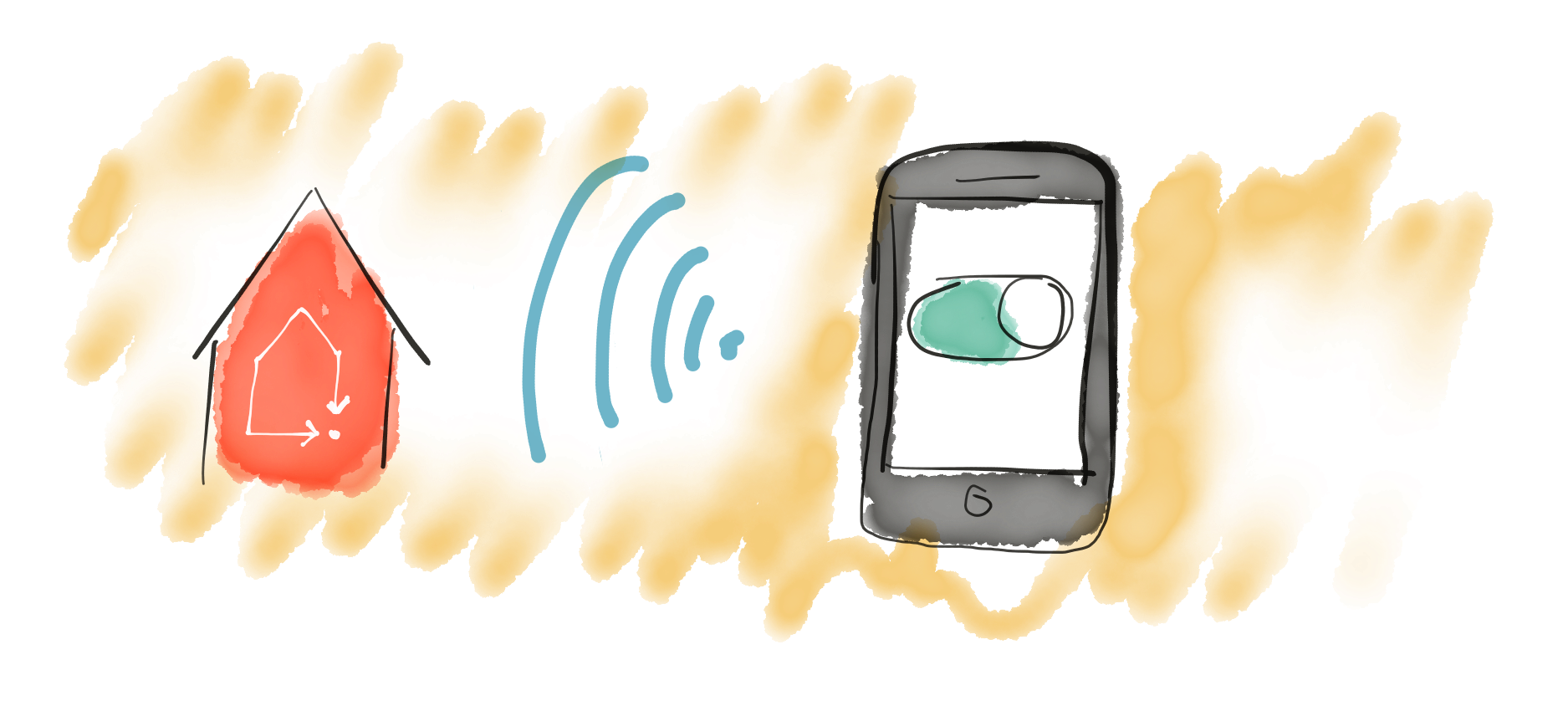
Smart homes don’t have to be expensive
After doing some research I discovered that smart homes aren’t as expensive or complicated as I first feared. When you’re buying new thermostats and light switches, why not go for the smart versions? Products that talk to each other have become very competitive in price in recent years, so the difference isn’t that big any more
Z-wave
 One of the main reasons smart home solutions have become cheaper is the wireless standard Z‑wave. It lets the devices talk to each other and relay signals if some units are farther away. It also means you’re not locked into a single platform. You can easily switch between Futurehome, Samsung Smartthings, Homeseer or other systems. Another benefit is that thermostats and switches work just like normal devices before you connect them to a smart hub.
Which smart gadgets?
“Ok. These Z‑wave gadgets seem nice, but which devices should I get to make a smart home?”
Heating
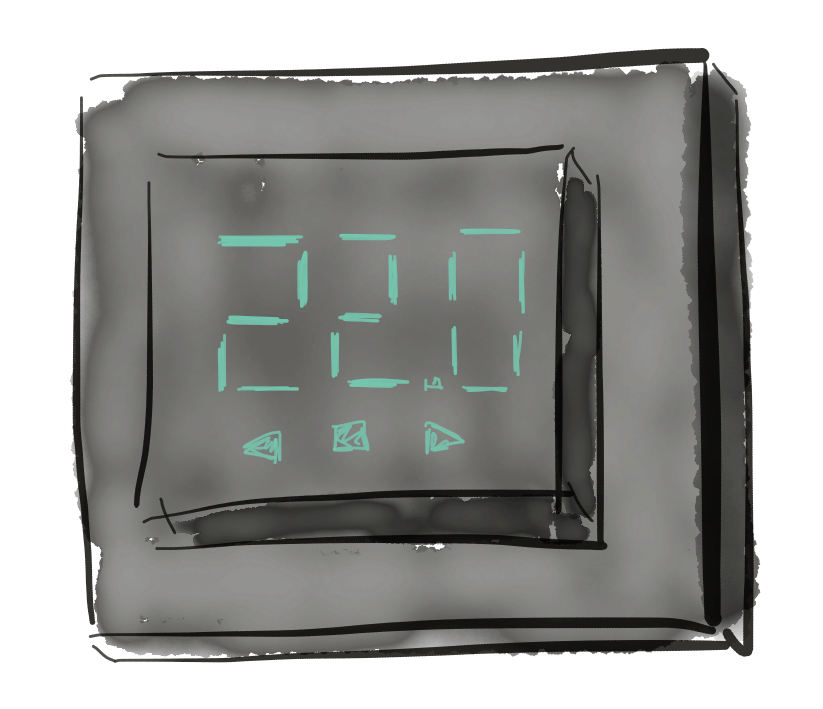 Thermostats are probably the most practical and economical devices to make smart. You get features like night setback, vacation mode and the heating back on before you return home. In Norway the Multireg thermostats are considered the industry standard. We have one in every room and are very happy with them.
Lighting
 The second thing to sort out when planning a house is smart dimmers that control the lights. It’s a small unit your electrician installs behind the wall switch that controls brightness, on/off state and sends updates to the hub. There are many types. We have Fibaro dimmer 2 throughout our house. All wall switches need to be impulse switches, meaning they spring back to the same position when pressed. To change brightness you simply hold the switch.
Door lock
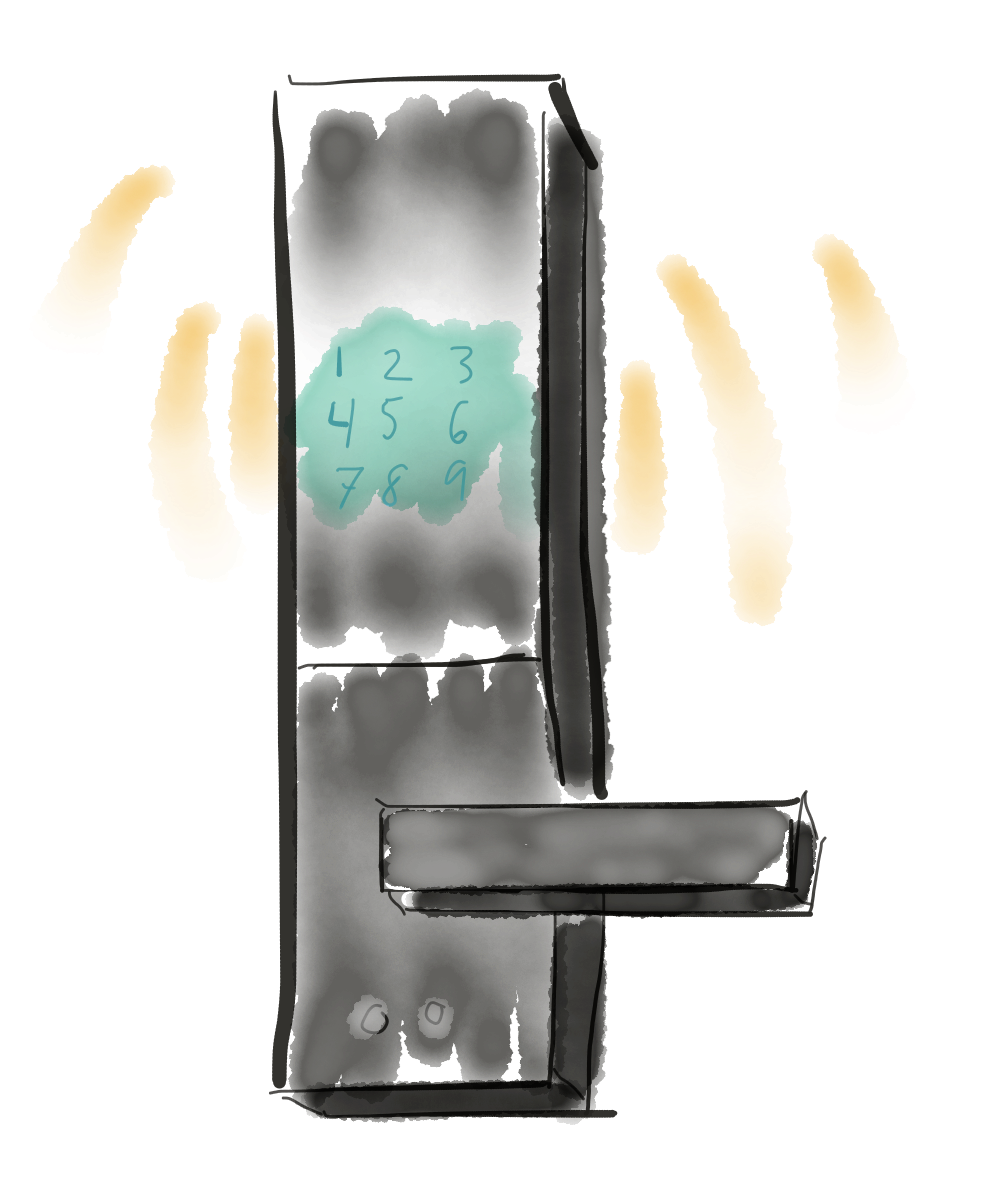 After a few months we also installed a smart door lock. We went with ID-lock, supposedly the best option for Norwegian weather. The best part is not needing keys anymore. Instead you type in a code or use an NFC tag. In practice I’ve never used the tag as it’s faster to just enter the code. You can also add extra codes if you want to give contractors their own.
The smart connection is handy because I get notifications if the door opens while the house is in away mode. You’re also sure the door is locked when you set the house to away or night mode. I’ve even unlocked the door remotely when a carpenter arrived before I got home.
“What if the lock’s battery dies? Can’t you get in?” The batteries are inside the door, so if I’m inside I just replace them. If I’m outside I can hold a smoke detector battery to the contacts and the door will open.
Sensors
Sensors can make your home much smarter. They come in many types: water sensors, door sensors, temperature sensors, motion sensors and more. The most useful are motion sensors that can turn lights on and off. I have three Aeotech multisensors doing this in the living room, hallway and bathroom. The great thing is that they can behave differently depending on the mode the house is in. In home mode they switch on the lights, in away or vacation mode I get a notification, and in night mode they trigger some gentle night lights so your night vision isn’t ruined. They’re easy to add later. So far I’ve found the best place for them is in hallways that are used occasionally, saving you from thinking about switches.
Smoke detectors
You can also connect smoke detectors to the system. They aren’t much smarter than regular detectors except that they talk to the rest of the system so they can turn on lights, unlock the door or send you a push notification if you’re away. Note that the small Fibaro detectors don’t have a built-in siren, so you’ll need a separate one.
Smart hub
Perhaps the most important thing you need is a smart hub. It’s a small box in your house that connects to the internet and talks to all the Z‑wave gadgets around the home. Each comes with an app so you can control everything from anywhere. Here’s a brief overview of the solutions I found most relevant.
Futurehome
This is the solution I chose. Futurehome is a small Norwegian startup that continually releases updates and new features. They have amazing customer service (I’ve had replies in under 10 minutes on a Saturday evening) and exciting plans ahead. The interface is clean and simple, though to be honest I mostly use the shortcuts on the lock screen of my phone.
Setting up Futurehome was a very positive experience. We’d lived in our house for about two months before I bought it and planned to make the house smart. I assumed it would take all evening to connect the devices, but after 10 minutes I had paired nine thermostats and fifteen dimmers.
Futurehome also has an API you can access if you want to do more advanced things.
Smartthings
This is Samsung’s smart home solution. It seems solid, simple and clear. The features are quite similar to Futurehome and it’s probably what I would pick if Futurehome didn’t exist.
Homeseer
This is probably the most advanced solution. You can do absolutely anything and create the wildest rules, and it supports the most devices. I must admit I dismissed it purely for aesthetic reasons: the Homeseer mobile app looks like it was made in the 90s by an engineer. They supposedly have a program where you can design it yourself, but that’s not how I want to spend my time, and the program only runs on Windows.
Home assistant
Home assistant is probably the cheapest option. It’s open source and runs on a Raspberry Pi with an extra module. If you have the technical skills you can tailor it exactly how you want, and likely spend quite a bit of time getting things just right.
Modes, rules and shortcuts
When you first get a smart home you might think it’s important to create lots of advanced rules. After a while I find that having a few main settings for home, away, night and vacation mode, plus some shortcuts to toggle lights, is more than enough. Futurehome covers this well and has found a sweet spot between usability and advanced features.
IFTTT
If you want more advanced features, Futurehome supports IfThisThenThat. This means you can connect it to many other online services for extra functionality. I use it to automatically set the house to home mode when I approach its location with my phone. Another use is turning on a surveillance camera when the house is in away or vacation mode.
Alexa
IFTTT has also allowed me to hook the house up to an Amazon Echo Dot so Alexa can turn lights on and off. It’s undeniably fun. Since getting Alexa I’ve barely used the shortcuts in the Futurehome app, relying mostly on voice commands. Samsung Smartthings apparently has even tighter integration with Echo.
Enova
If you buy control for three or more heating zones you can also get support from Enova. They cover 20% of the total cost (up to 4000 NOK) for smart equipment. For me it was easy: I uploaded the receipts and filled out their form. A few weeks later the money was in my account.
What’s it like living with a smart home?
All in all a smart home won’t revolutionize your everyday life. It’s convenient that the lights turn on and off without a switch, the doors lock when you want and the heating adjusts for vacations and night-time. Or that you can sit on the couch and ask Alexa to put the house in TV mode. But I wouldn’t use saving money as an argument. It will take many years before my electricity bill has earned back what I’ve spent—especially as more smart devices keep entering the house.
My devices
- Futurehome
- IdLock
- Fibaro dimmer 2
- Multireg termostat
- Aeotech multisensor 6
- Fibaro brannvarsler
- Aeotech smart switch
- Amazon echo dot
- Aeotech siren
- Fibaro flood sensor
- Sensative strips
I bought almost everything from Intin, a smart home retailer in Førde with a good selection, prices and quick service. That’s why all links point to their site, but the products are available elsewhere.
Originally published on medium.com/@hauken
